
How to stop overspending on DoorDash
DoorDash is built to get you ordering at 9pm on a Tuesday. Here is what actually stops it, after deleting the app four times did not.
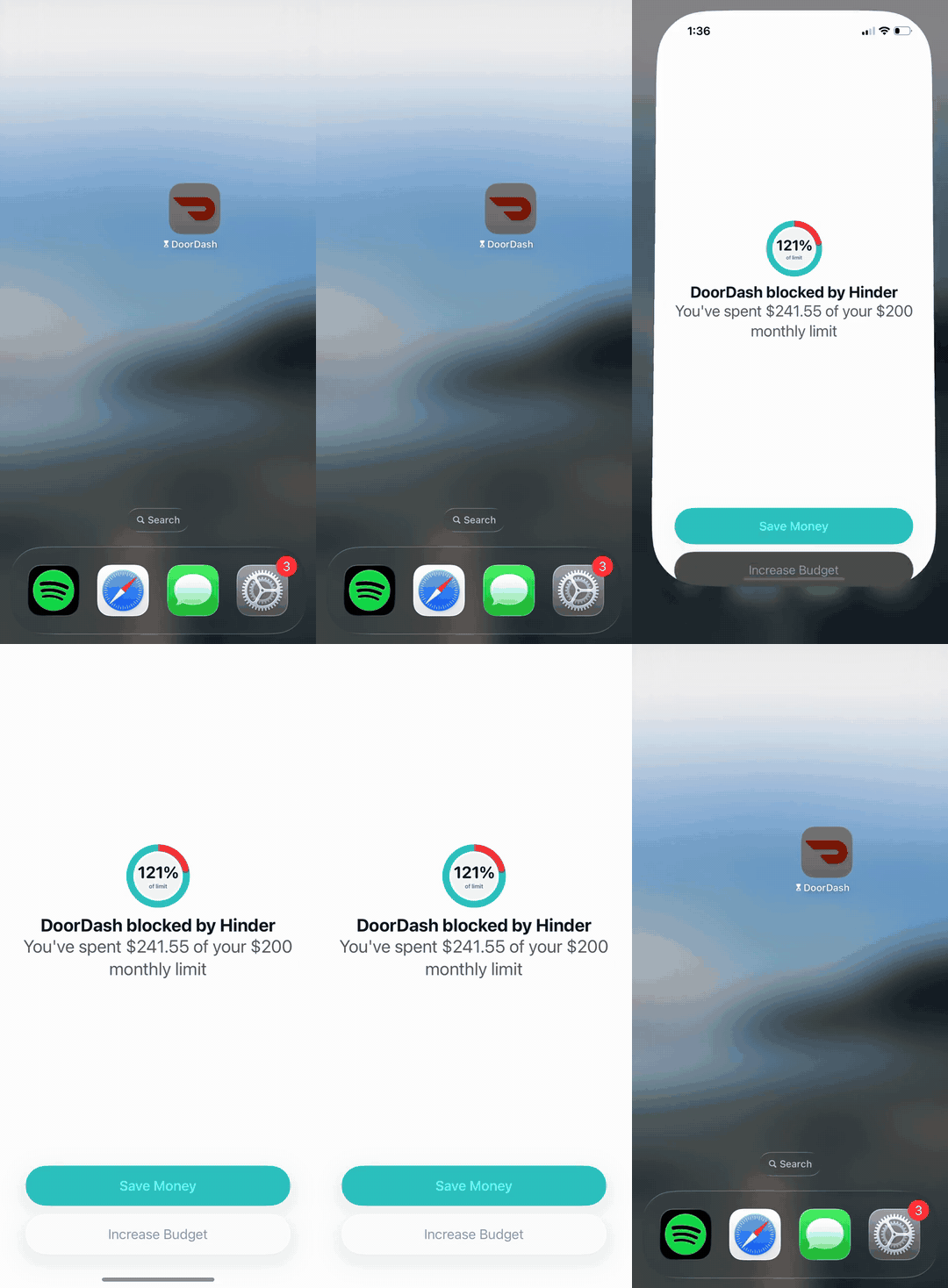
A $14 order is never $14. Add the fees and tip and it is closer to $30. Do that a few nights a week and it is hundreds a month, most of it not even food. This is not a willpower problem. It is a friction problem. The app is one tap away with your card already saved, and it is very good at getting tapped.
Why the usual fixes do not stick
Delete the app and you re-download it in ten seconds. Meal prep, use cash, turn off notifications. They all put the decision back on you at 9pm, which is exactly when you cannot make it. You do not need more willpower. You need the app to stop opening.
What actually works
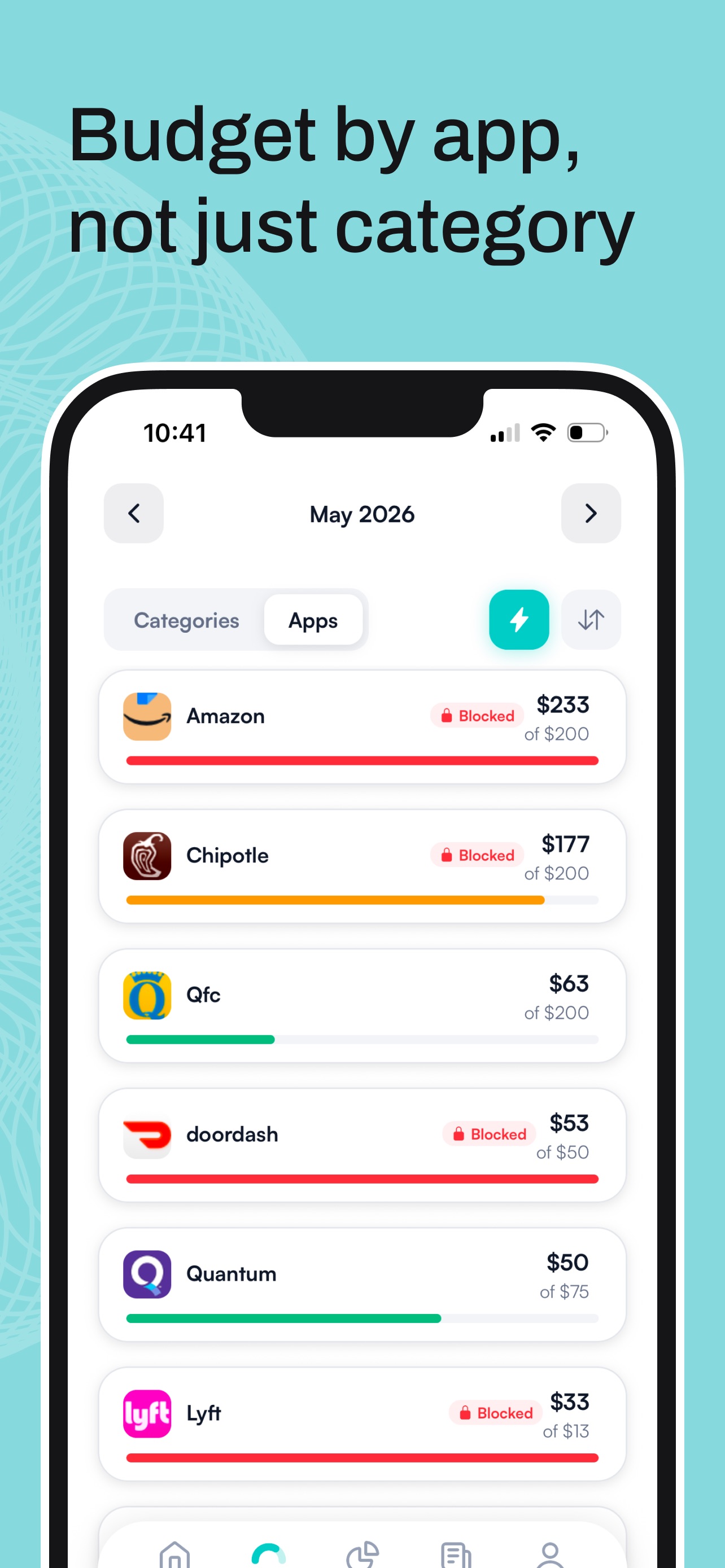
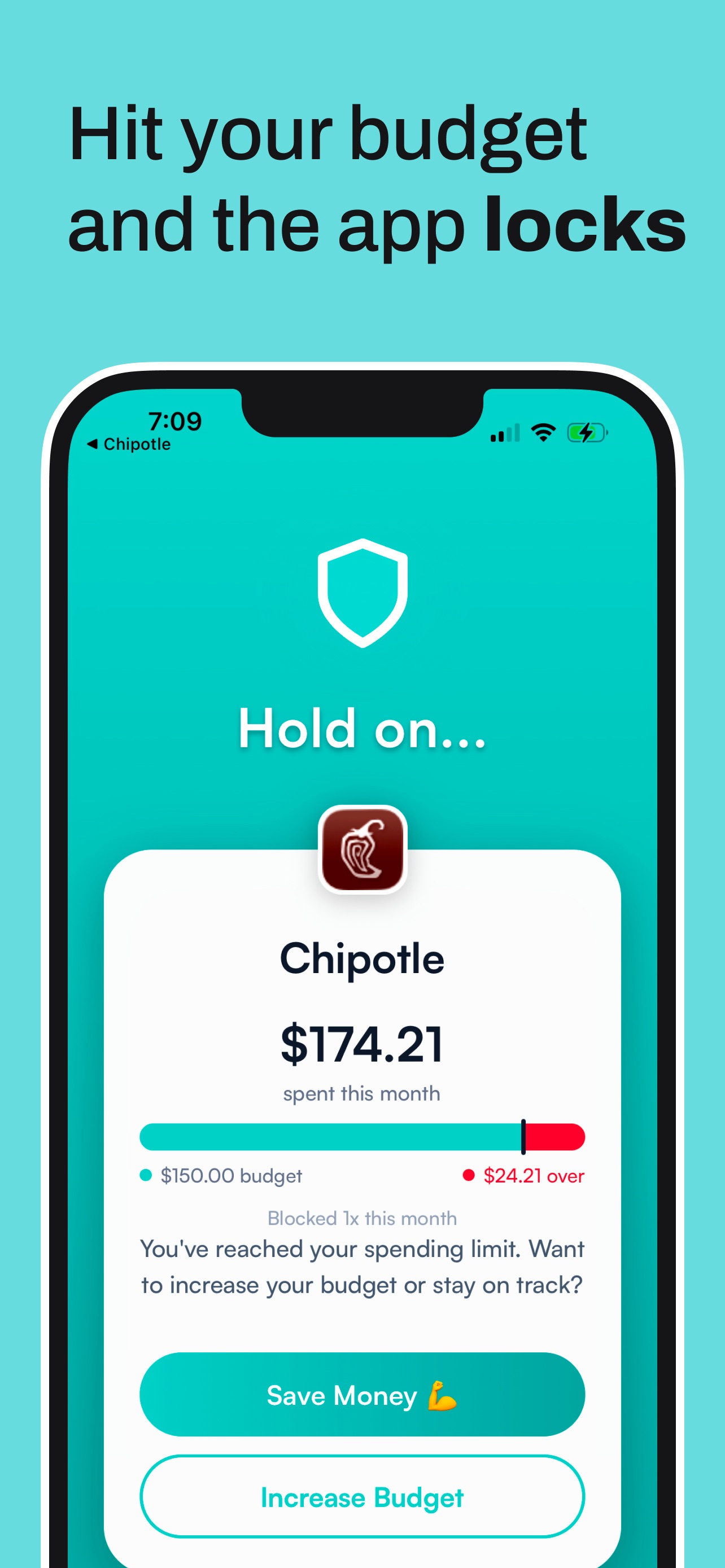
Set a limit, and let something other than you enforce it. Hinder connects to your bank, watches your DoorDash spending, and the second you cross your budget it locks the app. It just will not open.
Set it up in two minutes
- Connect your bank through Plaid.
- Set a limit on DoorDash, or on your whole food delivery category to cover Uber Eats and Grubhub too.
- That is it. Cross the line and the app freezes until your next cycle. Here is how to pick which apps to block.
Common questions
Does deleting the DoorDash app actually stop you?
For about three days. Then you re-download it, your card is still saved, and you are right back where you started.
How do I set a spending limit on DoorDash?
DoorDash has no spending cap. Hinder does it for you: it tracks your DoorDash spending and blocks the app when you hit the limit you set.
Can I block DoorDash and Uber Eats at once?
Yes. Set a limit on your whole food delivery category and every app in it locks together the moment you go over.
Is Hinder free?
Free to download and try. iPhone only. It connects to your bank through Plaid and uses iOS Screen Time to lock the apps you overspend in.