
How to break a food delivery addiction
If you are spending hundreds a month on delivery and cannot seem to stop, that is not weak willpower. It is a habit loop with zero friction in it. The fix that works is removing the decision, not making it harder.
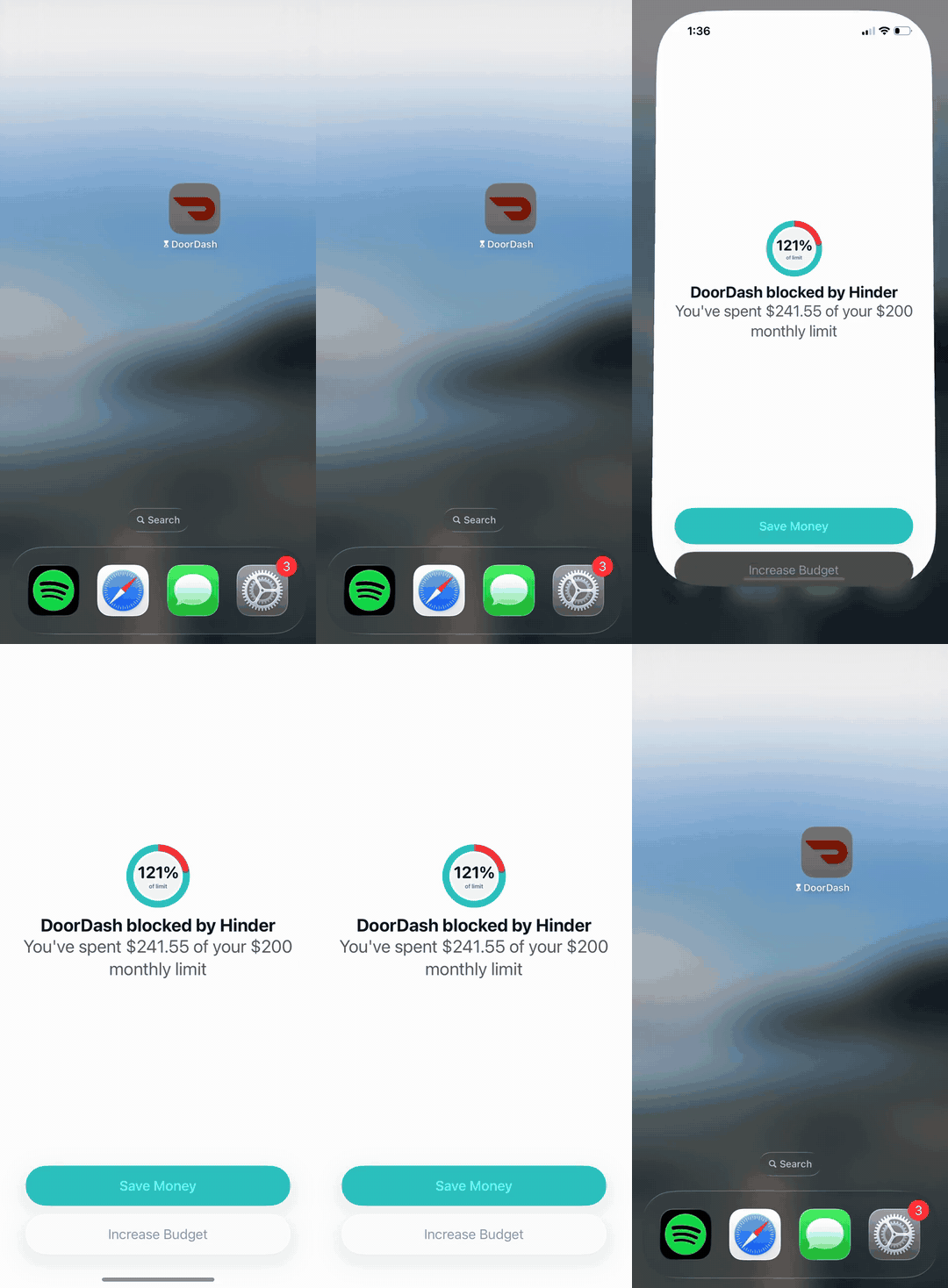





One food delivery limit can lock every one of these at once.
What the loop actually looks like
Stress, open app, food at the door. The reward shows up in 40 minutes, reliably, without you having to cook or even decide what you want past a few taps. Run that loop enough times and it stops being a choice. A $15 meal lands around $30 after fees and tip, so four orders a week is roughly $500 a month. Quietly. To be clear, this is a money article, not a medical one. If it feels like a genuine compulsion, talking to a professional is worth more than any app.
Why the standard advice fails at 9pm
Meal prep, delete the apps, cash envelopes. All decent ideas, all with the same flaw: they depend on the decision you are worst at making in the moment. Deleting DoorDash lasts until the re-download, which takes ten seconds and your card is still saved. The advice is not wrong. It is just aimed at the daytime version of you.
Remove the decision instead
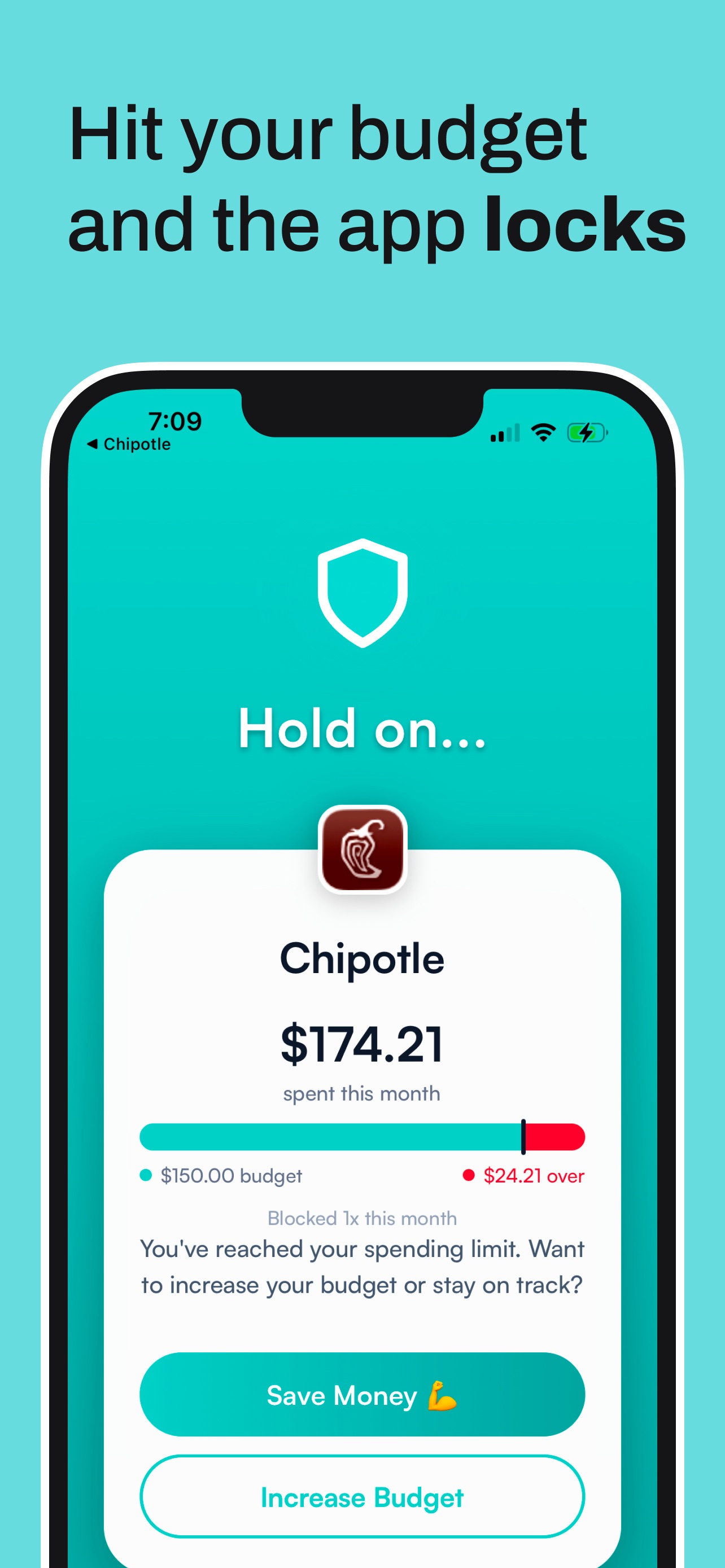
Hinder puts a monthly limit on your whole food delivery category. Hit it and every delivery app locks at once, DoorDash, Uber Eats, Grubhub, Instacart, all of them. There is no passcode you know and no button to talk yourself past. The 9pm decision simply stops existing. You get a warning at 80% so the lock never ambushes you.
Make the skipped orders visible
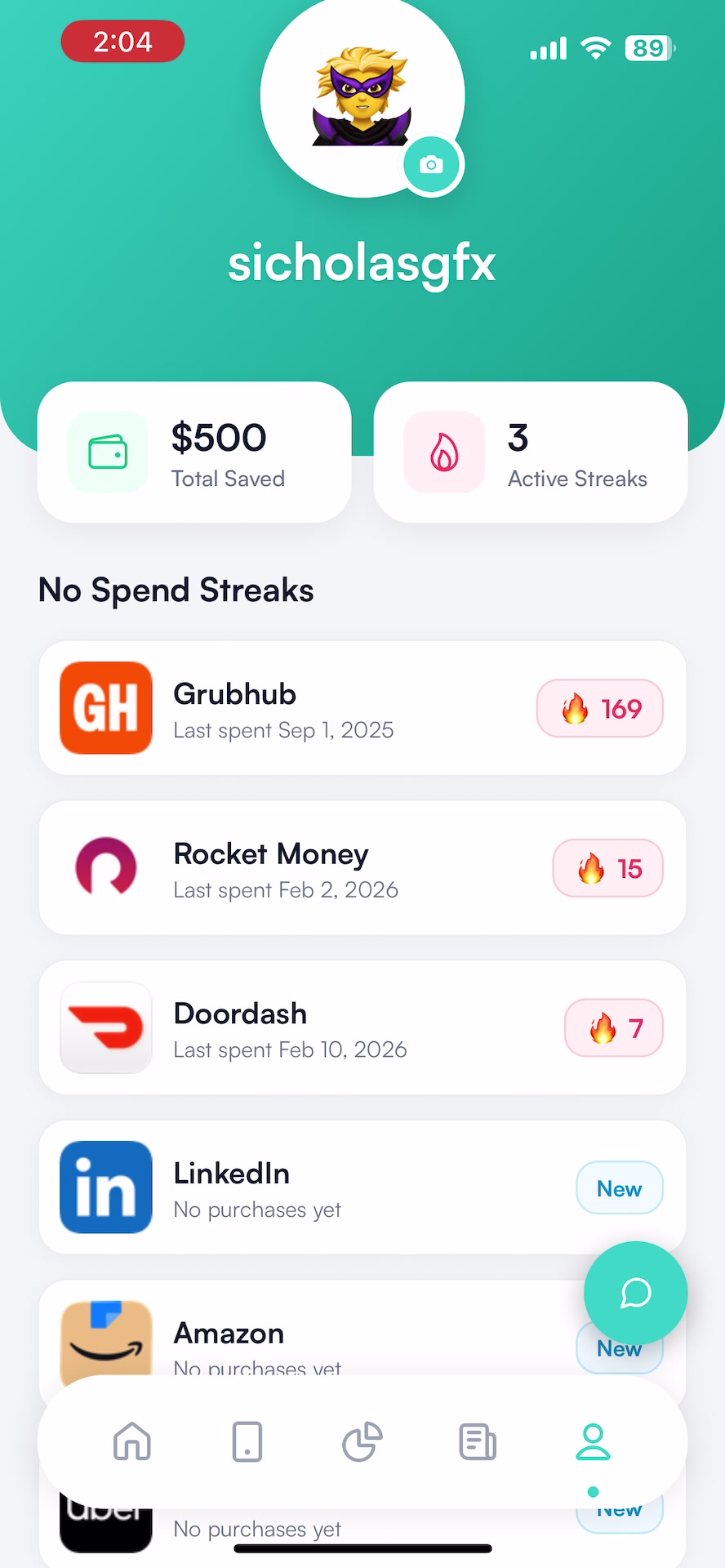
Habits die faster when the win is visible. Hinder tracks a no-spend streak for each blocked app and estimates what the skipped orders saved you, so an empty week reads as money in your pocket instead of deprivation.
Set it up in two minutes
- Connect your bank through Plaid.
- Create a food delivery category, give it a monthly number you can live with, and add every delivery app you use.
- Let the 80% warning and the 100% lock do the rest of the arguing for you.
Common questions
Is food delivery addiction a real addiction?
It is a real habit loop with real money consequences, and that is what this article covers. If ordering feels like a genuine compulsion you cannot interrupt, talk to a professional. For the money side, removing friction from the loop works.
How do I stop ordering food delivery every day?
Stop relying on in-the-moment decisions. Set a monthly food delivery budget in Hinder and let it lock every delivery app at once when you hit it, so the 9pm version of you is not the one in charge.
How much does a delivery order really cost?
A $15 meal usually lands around $30 after fees, markups, and tip. Four orders a week at that rate is roughly $500 a month.
Can I block all delivery apps at once?
Yes. Put DoorDash, Uber Eats, Grubhub, and Instacart in one food delivery category with a single limit. Cross it and they all lock together.
Is Hinder free?
Free to download and try. iPhone only. It connects to your bank through Plaid and uses iOS Screen Time to lock the apps you overspend in.