How to stop spending money on Starbucks
To stop spending money on Starbucks, add friction back. Turn off auto-reload, pick a coffee number for the month, and put a hard limit on the app. Hinder tracks your Starbucks spending through your bank and locks the app with iOS Screen Time once you hit that number. You still get coffee. Just not unlimited coffee.
One coffee limit can lock the coffee apps and the delivery app you'd use to get around it.
How much does a daily Starbucks habit cost?
Here's an example, not a receipt. Say your usual drink runs about $7 with tax. Five weekday drinks is $35 a week, which comes to roughly $150 a month and around $1,800 a year. Add a weekend pastry or an afternoon refresher and it climbs fast.
Nobody's saying coffee is a moral failing. It's a nice part of the day. The issue is that $150 rarely feels like $150 because it never shows up as one charge you decided on.
Why the Starbucks app makes it so easy to spend
The app is very good at its job. Mobile order means your drink is waiting before you're out of the car. Your payment is saved. Auto-reload tops up your Starbucks Card balance whenever it dips low, so you never see a "declined" moment. And Rewards, which since March 2026 has Green, Gold and Reserve tiers, earns Stars faster the more you spend, with bonus Stars on qualifying reloads.
Every one of those removes a pause where you might have said no. Same playbook as the delivery apps, which is why so many people end up reading about how to stop ordering DoorDash and how to stop ordering fast food the same month.
How to stop buying Starbucks without quitting coffee
- Turn off auto-reload. In the app, open your Starbucks Card settings and switch it off. Now the balance only grows when you choose to add money.
- Remove the saved card. Typing your card number at 7:40am is annoying. That's the point.
- Make coffee at home some days. Not every day. Two home days a week in the example above saves about $60 a month.
- Set a weekly number. $20, $35, whatever fits. A number you picked beats a vague promise to "cut back."
These help. They also all rely on you remembering them while you're tired and the drive-thru is right there.
Can you put a spending limit on the Starbucks app?
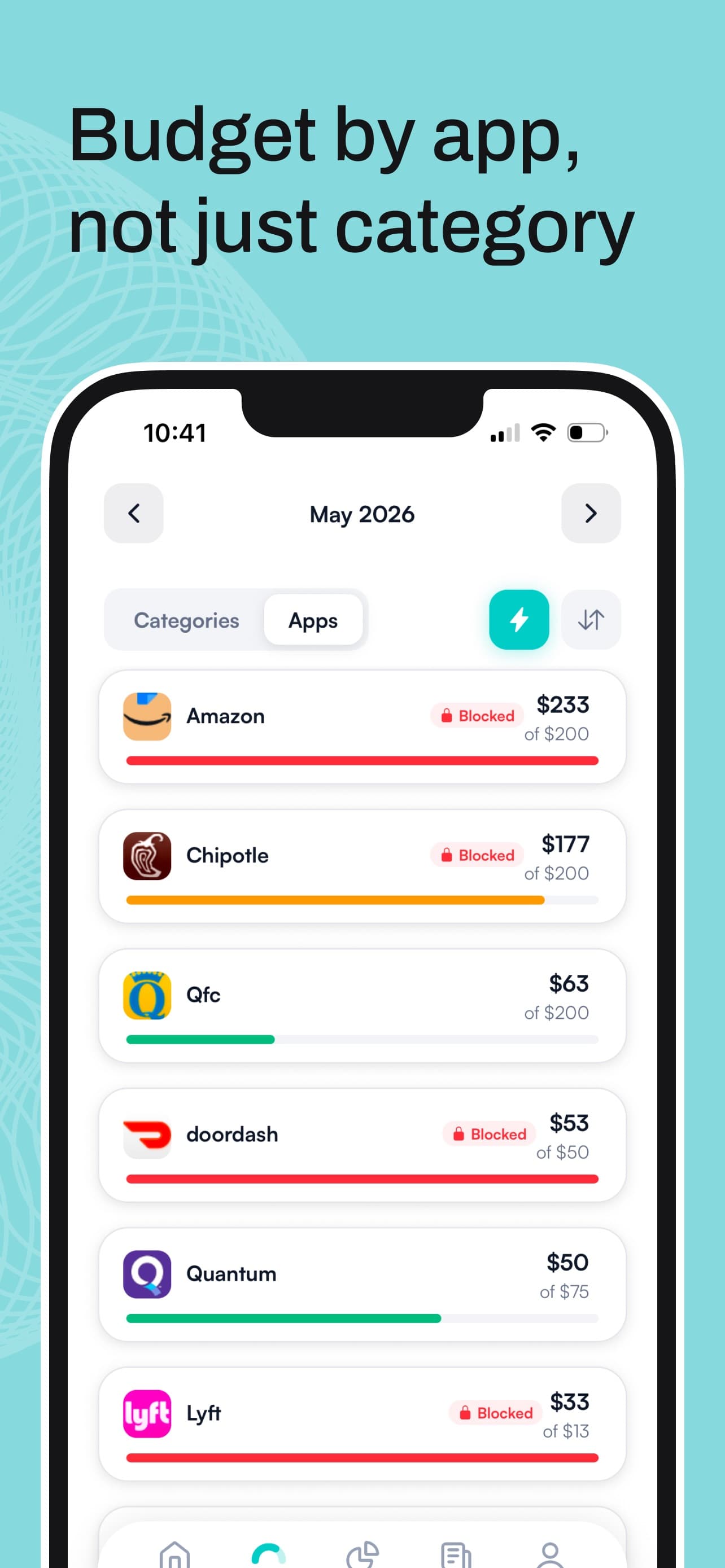
Not inside Starbucks. There's no setting that says "stop me at $100 this month." So the limit has to come from outside. Hinder connects to your bank and cards through Plaid and lets you set a monthly dollar limit on Starbucks alone, or on a coffee category you create with Starbucks and Dunkin' together. At 80% you get a warning push. At 100% the app locks.
One honest wrinkle. If you pay from a preloaded Starbucks balance, your bank sees the reload, not each drink. That's another reason to turn auto-reload off: smaller, deliberate reloads keep the tracking closer to what you actually drank.
Can you block the Starbucks app on iPhone?
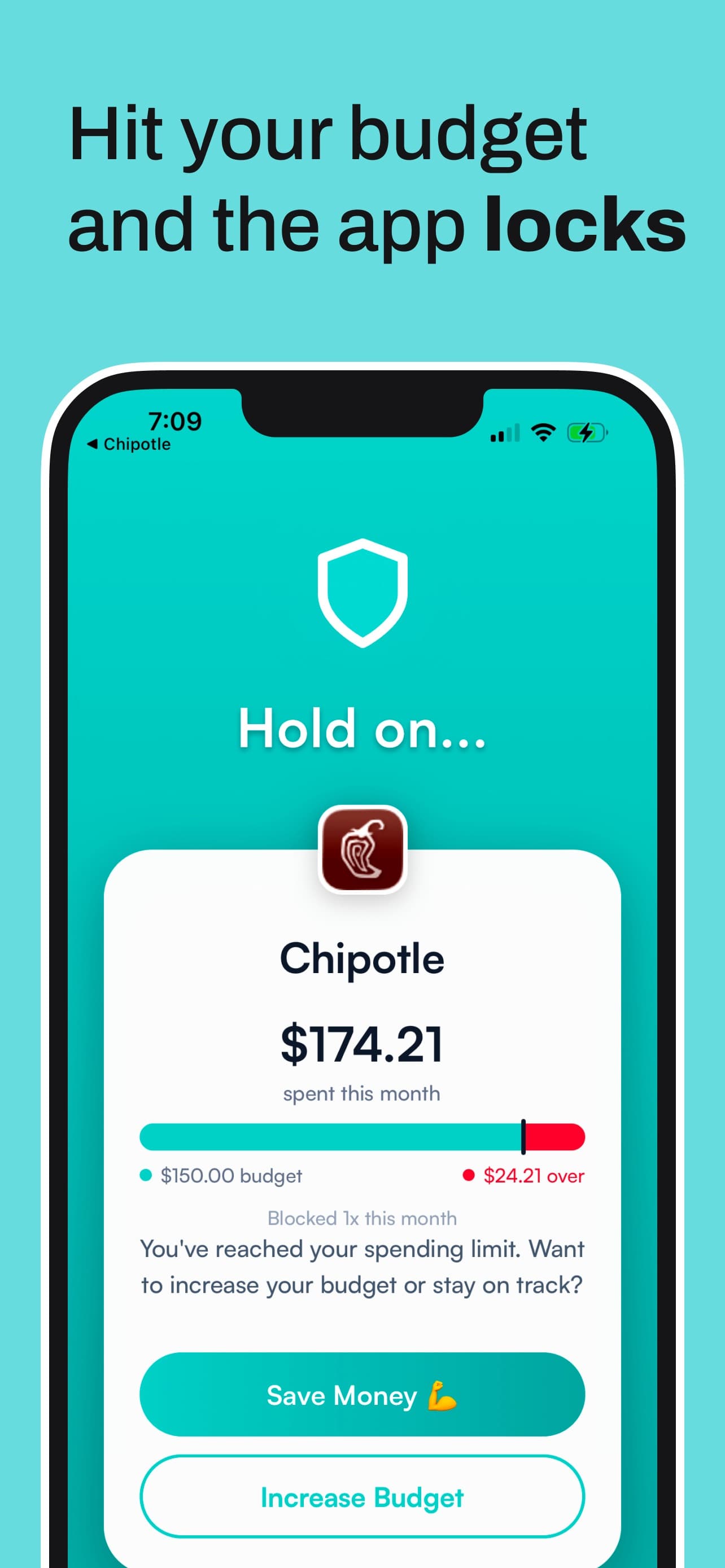
Yes. Hinder uses iOS Screen Time to put a shield over the app, with two buttons: Save Money or Increase Budget. There's a short temporary unblock if you need it, but getting back in for real means raising your limit on purpose. Plain Screen Time only limits minutes, and a mobile order takes under a minute. More on that gap in using Screen Time for spending.
To be clear about what this doesn't do: Hinder locks the app, not the store. Buy at the counter with a connected card and it still counts toward your limit through bank sync, but nothing physically stops you from walking in. Worth adding DoorDash to the same category too, so delivery coffee isn't a loophole. Here's how to pick which apps to block.
Does a no-spend streak help?
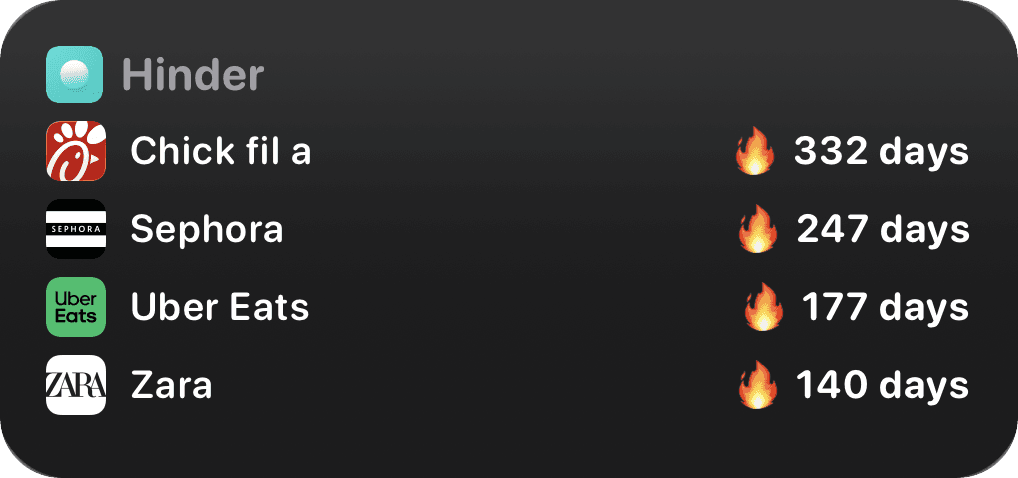
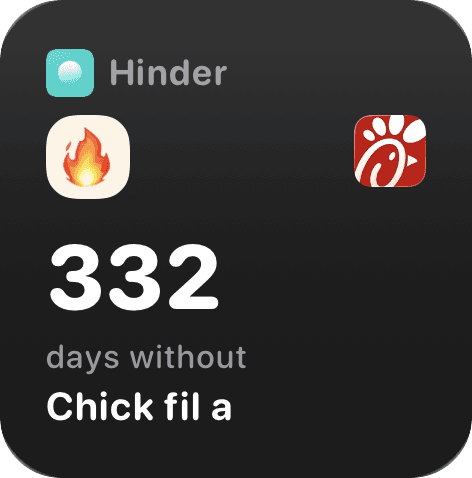
For a lot of people, yes. Hinder shows per-app no-spend streaks in home screen widgets: the number of days since you last bought from that app. Watching "12 days without Starbucks" tick up is weirdly motivating. If you want to go further, try a no-spend challenge or browse other apps that stop you from spending money.
Common questions
How do I stop buying Starbucks every day?
Pick a weekly or monthly coffee number, turn off auto-reload in the Starbucks app, and put a hard limit on the app itself. Hinder tracks your Starbucks spending through your bank and locks the app with iOS Screen Time once you hit the limit.
Can you set a spending limit in the Starbucks app?
Not really. You can turn auto-reload off or change the reload amount, but there's no setting that stops you from ordering once you've spent a certain amount. The cap has to come from outside the app.
How do I turn off auto-reload on Starbucks?
Open the Starbucks app, go to your Starbucks Card under payment settings, and switch auto-reload off. After that the balance only goes up when you add money yourself.
Does Hinder block Starbucks in the store?
No. Hinder locks the Starbucks app on your iPhone. If you buy at the counter with a connected card, that charge still counts toward your limit through bank sync, but nothing stops you from walking in and paying.
Is there an app that limits coffee spending?
Hinder does. It's an iPhone app that connects to your bank through Plaid, lets you set a monthly dollar limit on Starbucks or a coffee category, and locks the connected apps at 100%. Free to download and try.