How to stop ordering fast food
Mute the chain apps, delete your saved cards, and plan for the one meal that always gets you. Then give fast food a monthly dollar limit that actually holds. Hinder tracks that spending through your bank and locks every fast food app on your iPhone once the money is gone.
One fast food limit can lock all three at once.
Why are fast food apps so hard to quit?
Because the deal is the hook. MyMcDonald's Rewards lives inside the McDonald's app and gives you 100 points per dollar. Chick-fil-A One, Chipotle Rewards and Taco Bell Rewards all run the same play: points on every order, free items once you hit a threshold, and offers you only see if you open the app. So you open it. Then you see a deal. Then lunch happens.
None of this feels like spending. It feels like saving, which is exactly the point. You're not buying a $12 meal, you're "using" a deal before it disappears. Do that four or five times a week and the free fries cost you a few hundred dollars a month. If the reflex already reaches delivery apps, read our take on why food delivery gets compulsive.
How to stop buying fast food every day
Start with the cheap fixes. They help, they just don't hold on their own.
- Turn off push from every chain app. On iPhone, go to Settings, then Notifications, pick the app, and switch off Allow Notifications. The 11:30am offer can't tempt you if it never shows up.
- Delete your saved cards. Typing a card number is about the only friction you can add. It won't stop you every time. It stops you some of the time.
- Find the one meal that triggers it. For most people it's not every meal. It's the late lunch on a busy day, or the drive home after work. Plan that one.
- Keep a backup meal. Something boring you can have ready in five minutes. Fast food wins when the alternative is nothing.
Here's the problem. Every one of these can be undone in seconds by the same hungry person they're meant to stop.
Can you block the McDonald's app on iPhone?
Screen Time can put a time limit on it. But an order takes two minutes, and you know your own passcode. A time limit isn't a money limit. What works is a block that kicks in when you've spent your fast food money, and stays on until next month. Our roundup of apps that stop you from spending money covers the options. Most only send alerts.
How to set a fast food spending limit
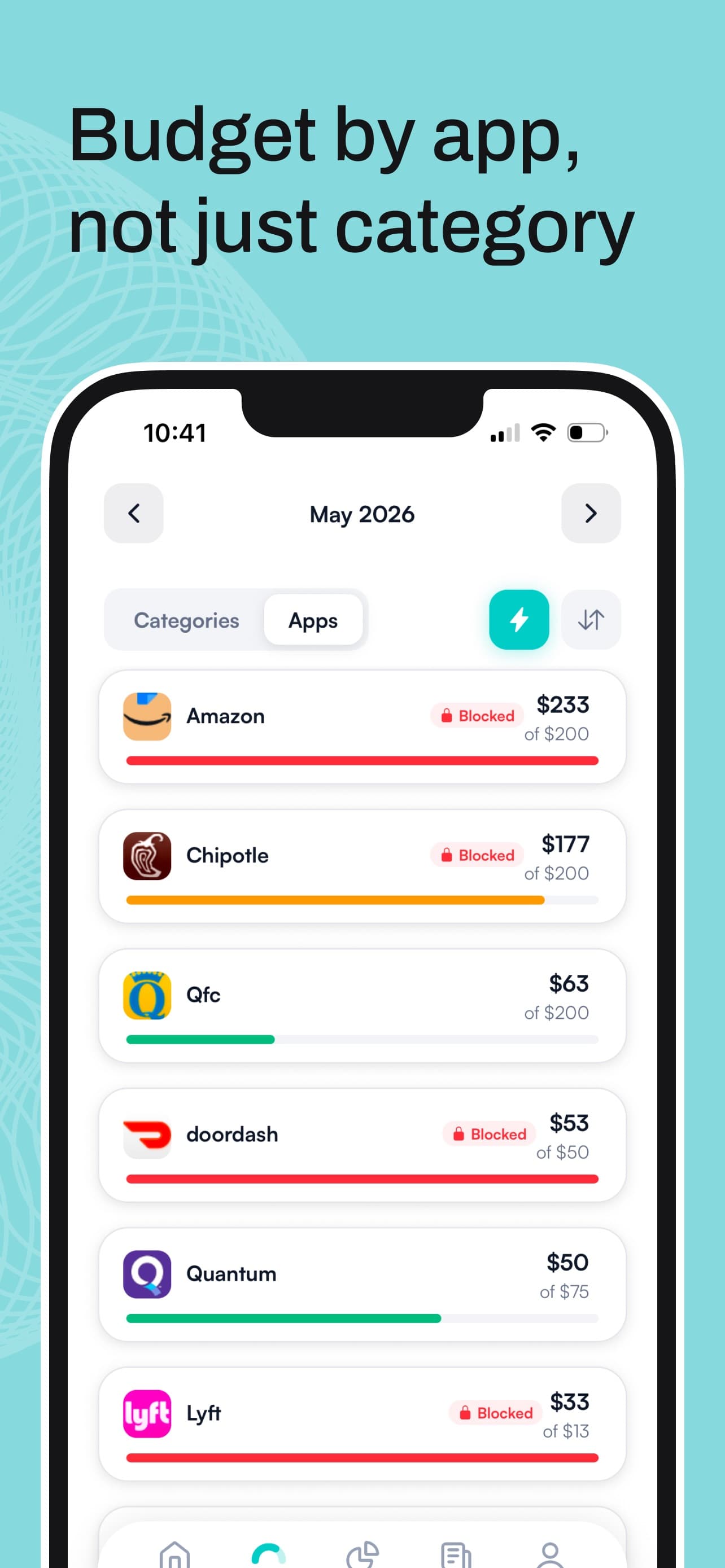
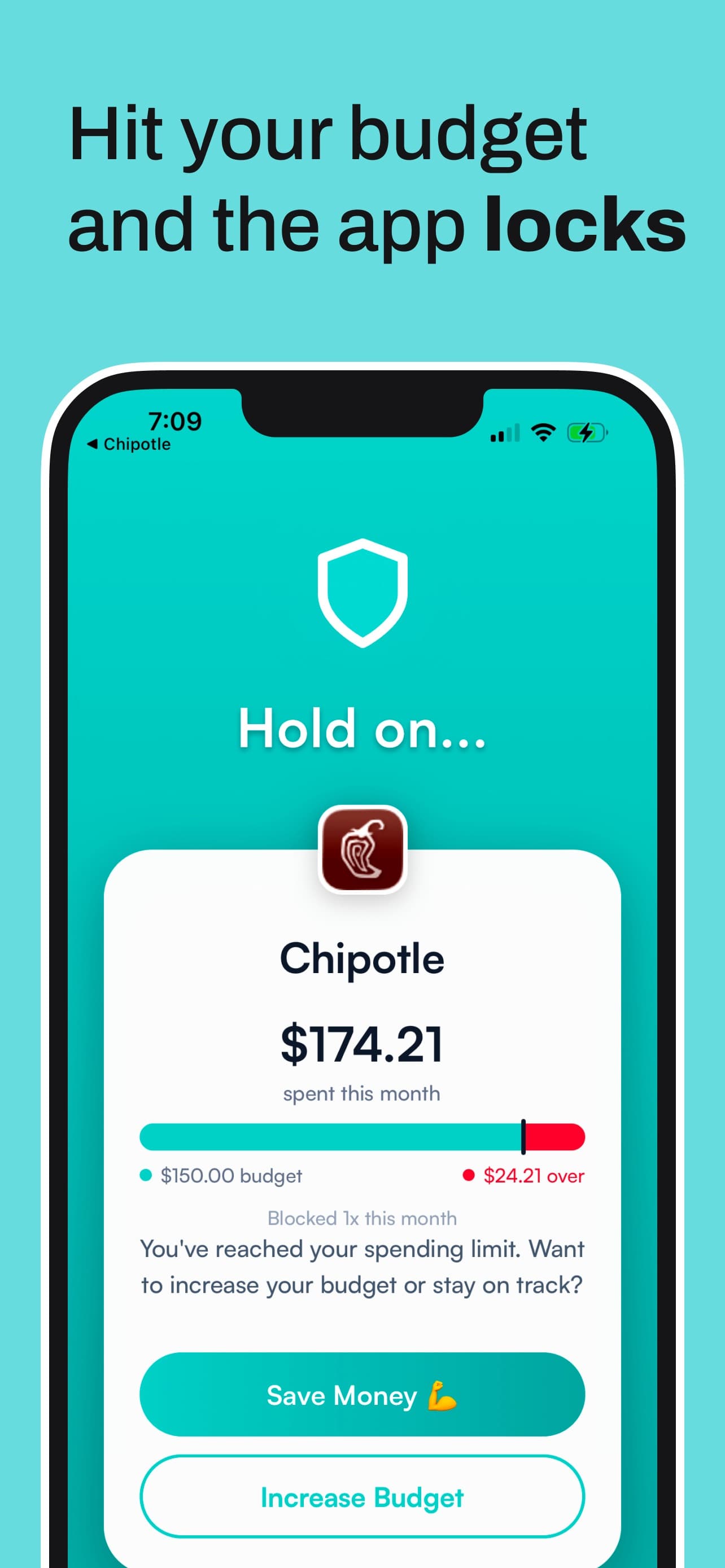
Hinder connects to your bank and cards through Plaid and tracks what you spend. Make a fast food category, add McDonald's, Chick-fil-A, Chipotle, Taco Bell and whatever else lives on your phone, and give it one monthly number. At 80% you get a warning push. At 100% every app in the category locks through iOS Screen Time. The shield gives you two buttons: Save Money or Increase Budget. There's a short temporary unblock, but the only real way back in is raising the limit on purpose.
The obvious workaround is ordering the same Big Mac through DoorDash or Uber Eats. So put those in the category too. Same limit, same lock. We go deeper on that in how to block Uber Eats and how to stop ordering DoorDash. If your daily drink is the bigger leak, we cover how to stop spending money on Starbucks too.
Does it stop the drive-thru?
No, and we won't pretend it does. Hinder locks apps. It can't lock a drive-thru window. What it does: a card purchase at the drive-thru still shows up through bank sync and counts toward your limit, so the app lock arrives sooner. For most people the app is where the habit lives anyway. Remove the deal-of-the-day and the drive-thru becomes a decision again.
How long since your last order?
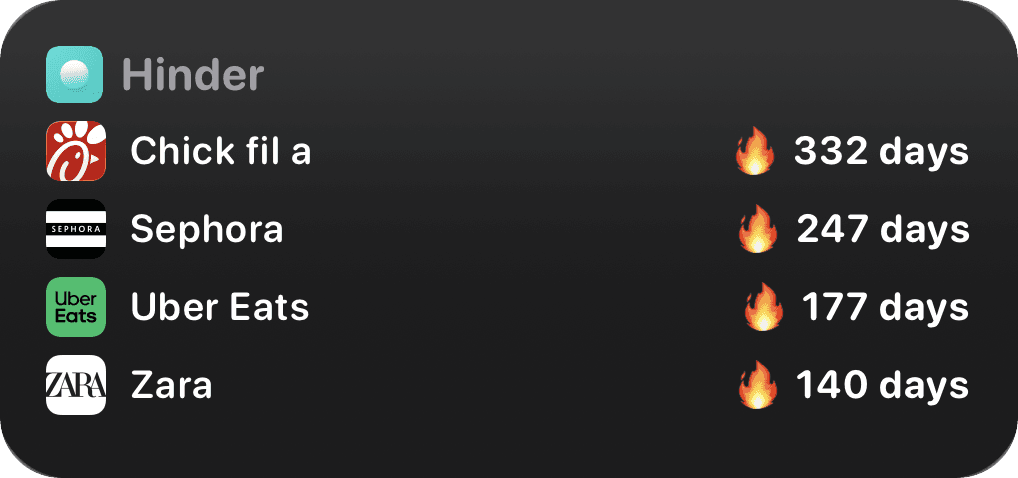
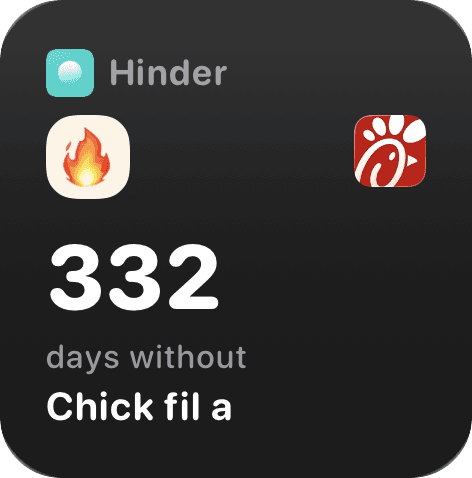
Hinder also tracks streaks: days since you last bought from each app, right on your home screen. Seeing a number like 332 days without Chick-fil-A is weirdly motivating. Pair it with a no-spend challenge if you want a harder reset, and here's how to pick which apps to block.
Common questions
How do I stop spending so much money on fast food?
Give it a fixed monthly number and make the apps stop working once you hit it. Hinder connects to your bank, tracks what you spend at fast food chains, and locks the chain apps with iOS Screen Time when the limit is gone.
Can you block the McDonald's app on iPhone?
Yes. Screen Time can limit it by time, but you know the passcode. Hinder blocks it by money instead: set a fast food limit and the McDonald's app locks when you've spent it.
Does blocking the apps stop drive-thru purchases?
No. Hinder locks apps, not restaurants. A drive-thru purchase on a connected card still counts toward your limit through bank sync, so it brings the lock closer, but nothing stops you at the window.
What if I just order McDonald's on DoorDash instead?
That's the usual workaround. Put DoorDash and Uber Eats in the same fast food category and they lock along with the chain apps when the limit runs out.
Is there an app that stops you from eating out?
Hinder does it with money. Free to download and try, iPhone only. Set a monthly dollar limit on a fast food or eating out category and every app in it locks at 100%.